
Bloggers and webmasters know that every single visitor helps to build up traffic, right? If that is the case, you should make sure that Google is correctly indexing your images, and that people searching for related image terms will have a chance to visit your blog.
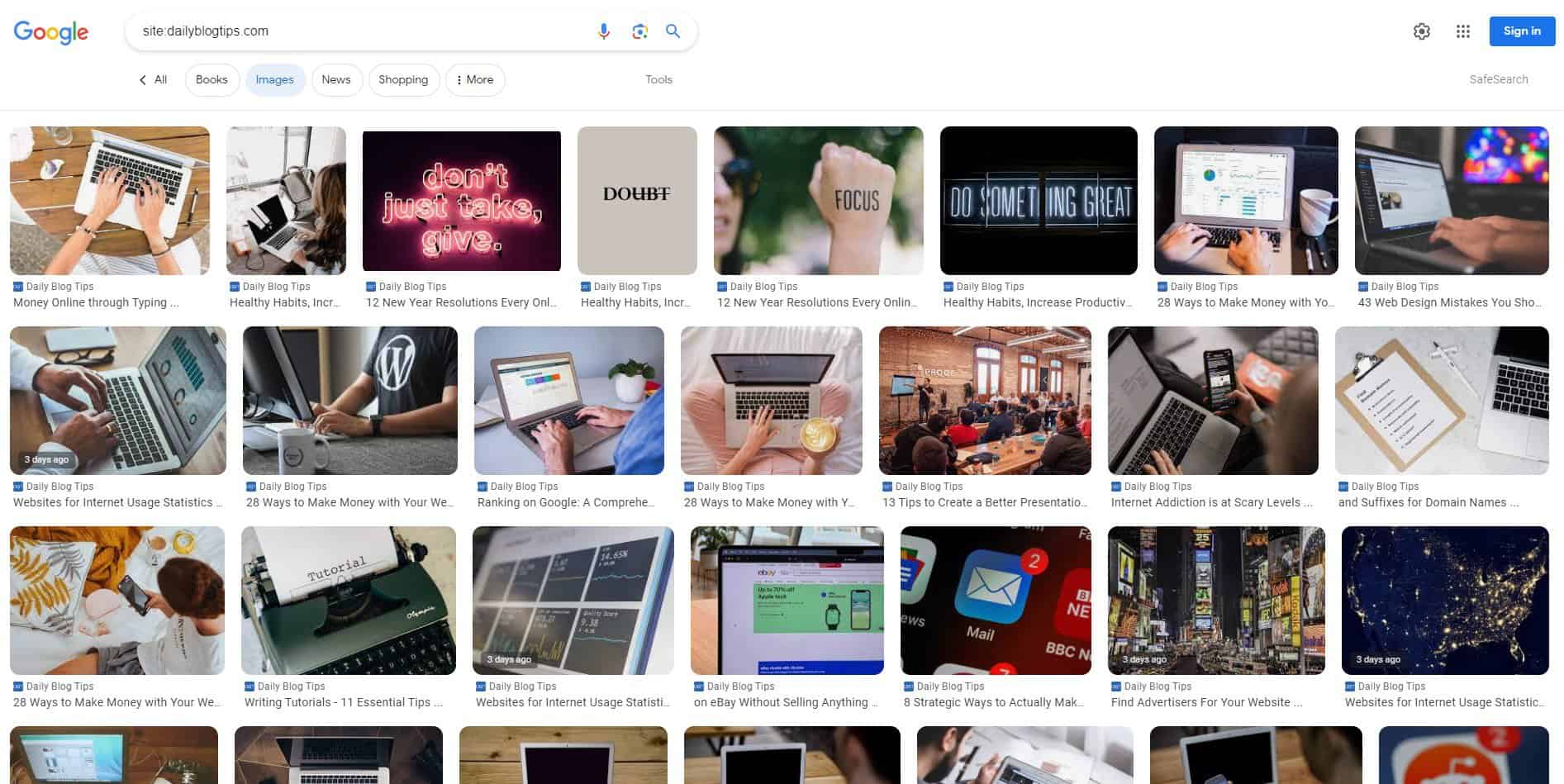
Here is a quick check that you can perform to find that out. Just head to Google, and click on the “Images” link on the top left corner. That will take you to the Image Search. Now you just need to type on the search bar “site:yourdomain.com“. This query will filter only the results coming from your site.
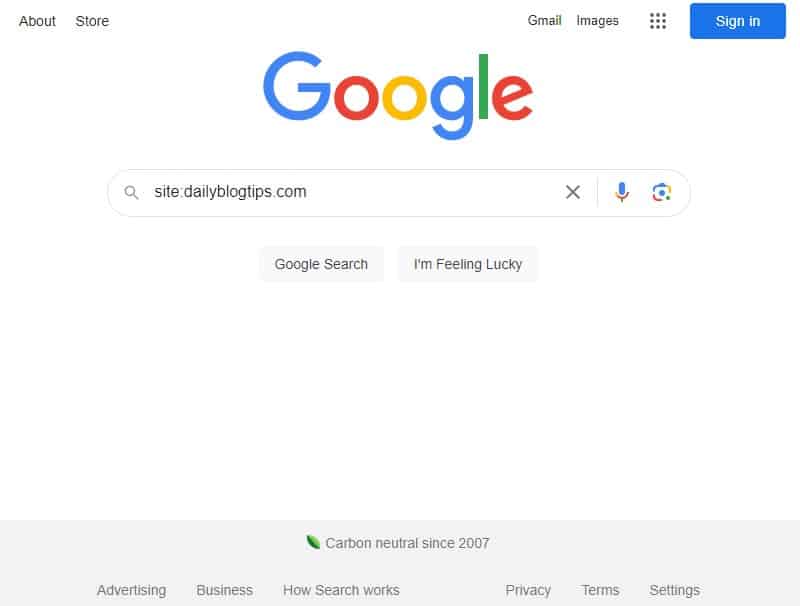
If your images are getting indexed correctly by Google you should be able to see a whole bunch of them on the search results.
If, on the other hand, your images are not getting indexed by Google you will just see a “Your search did not match any documents” message.
The most common cause for this problem is a flawed robots.txt file (read “Create a robots.txt file” for an introduction to it).
For example, I used to have a “Disallow: /wp-content/” line on my robots.txt file, with the purpose of blocking some internal WordPress files from search bots. It worked, but as a result it also blocked all my images that were located in /wp-content/uploads/. The solution was simple: I just added the following line after that one: “Allow: /wp-content/uploads/”.
So if your images are not getting indexed, check your robots.txt file to make sure it is not blocking the access to them.
There are other causes that might make Google not list your images on its search results, including a low Pagerank, non relevant tags, poor permalink structure, bad image attributes and so on. If you are sure that your images are accessible to search bots, therefore, it could be a good idea to work on their tags and attributes. Here are two articles that you guide you through the steps required:
- 19 Ways to Get More Traffic to Your Site Using Google Images
- Using Google Image Search to Drive Traffic to Your Site
Even if your images are already indexed, the tips and tricks described in those articles will help you to maximize the incoming traffic from image searches.
Now, I do like traffic so don’t get me wrong but what if I don’t want traffic from people searching images? As in, I don’t want them searching for them and likely snagging them for their own use, whatever that may be.
I’m on WordPress. What exactly do I need to do to block image searches? Use small words if possible.
Previously I used to just type my domain name and search in google image search…Now I know what exactly I have to do…thnks for the post…
my blog is not appearing in image search result, i need to work on it
Daniel, is there any relation between htacces files(deny directory view) and robots.txt
Don’t forget to add ALT tag for your images.
Here is a quick check that you can perform to find that out. Just head to Google, and click on the `Images link on the top left corner. That will take you to the Image Search. Now you just need to type on the search bar `site:yourdomain.com`.
How can I update my site images in Google images search can any body suggestion?
Hi this mahendar how to upload my image imn google image serch place
It is recommended to avoid using an underscore (_) in filenames/urls as it is less likely to be seen as a word separator by different search engines than a hyphen (-).
If you have 2 images ‘water_sports.jpg’ and ‘water-sports.jpg’ then some search engines will return the first one only if a user searches for “water_sports” and not in searches for “water” or “sport”.
I’m not necessarily telling anyone to go back and change filenames that are already on the web.
This is just some best practice advice to keep in mind in future when naming files.
Google does find some images from my site, but not nearly as many as it should. I’m not sure why it doesn’t find more.
@Nancypants, just add this line to your robots.txt file
“Disallow: /wp-content/uploads/”
@Aseem, that is pretty normal I think, Google will only index some of your images. I believe this is related to the number of backlinks, the relevancy of the articles, images and their tags and attributes.
Just make sure that this number is growing over time.
Hey Daniel,
Any way to tell if all your images are being indexed? It shows I have 300 or so indexed, but I have well over 2000 pictures. I went to Google Webmaster Tools and all of my directories holding pictures are not being blocked.
Thanks
Now, I do like traffic so don’t get me wrong… but what if I don’t want traffic from people searching images? As in, I don’t want them searching for them and likely snagging them for their own use, whatever that may be.
I’m on WordPress. What exactly do I need to do to block image searches? Use small words if possible. LOL
@Ahilosu, maybe it is because the overall trust level of your site. As soon as you gain more backlinks and trust from Google you should start to see the images indexed.
@Rob, there is nothing you can do for those differences between search engines. If you check the number of backlinks to a site with Google and Yahoo you will also see a huge discrepancy, but this is related to each of their algos.
Given that the number of images that Google has indexed is so much lower than the results at Yahoo!, do you have any suggestions for what needs to be tweaked?
And do you think I’m right in assuming that my robots.txt must not be a significant part of the problem since Yahoo!, MSN, & Altavista are all indexing okay? I sorta figured the robots.txt thing is an “either it’s working or it’s not” kinda thing. If Google is indexing some of the images in a container, but not others, that doesn’t seem like a robots.txt problem… does it?
So can you think of any other reason for my images not being indexed?
I doubt it’s the theme I use, the Deep Blue that you created (and i highly appreciate) , so it has to be something I’ve done (either the update that I’ve mentioned above)
@Ahilosu, I never heard about Google updating the image index twice a year. It is an interesting theory though.
@Rob O, I would mind about differences between Google and Yahoo, even for normal results (non images) they sometimes present significant changes.
Just monitor how Google is responding to the tweaks you make on the images and on related factors.
@bali, not sure if this will affect your ROI, but it should bring some extra visitors.
@Scott, for photographers this might be especially important eh?
@Dave, my pleasure.
Hmmmm, I checked out my site using the “site” command, and none of my images appeared. Looks like I’m going to have to check my robots.txt file. Thanks for the tip, I would have never thought of this.
– Dave
I look at this quite often since most of my images are from my photography. About impossible to keep up with all of them and where they are but nice to be able to look itup.
I think I should optimize my villa picture to get more traffic.
But, is this inscrease my ROI ? If visitor come to my site to find villa pictures. Not to rent them ?
I’ve been grappling with an issue on this for some time now. When I do a Google image search on my site, I get a bit less than 100 hits. That’s not nearly enough. Yahoo! finds 445!
But more importantly, there are several versions of my site logo that don’t show up at all and given the file names and such, they should certainly be there.
– All of my images referenced anywhere in code have accompanying ALT & TITLE info.
– Most have descriptive filenames like domesticated_dede.jpg
– Obviously, my robots.txt file must be reasonably correct since some images are being indexed.
– I routinely submit an updated sitemap XML file to Google Webmaster site tools.
Now, here’s some weirdness… One of the files I would hope to be on the top of the search list is 2dolphins_logo.jpg. This file isn’t even being indexed by either Google or Yahoo! even tho it’s in the same folder where other indexed images are also stored, but MSN Live search does find it. Altavista doesn’t find that logo file, but does catch another one 2d_paypal_logo.jpg that’s in the same folder.
Anybody else scratching their noggins? I’m confounded over the discrepancies between the various search engines. But I would’ve expected Google to be better or more thorough than the rest yet it isn’t…
@Patrix, yeah I assume the search with that filter will remove images hosted on other websites.
Try searching for related terms, without the site: factor, to see if they will come up.
Strangely that search in Google brings up images hosted on your webserver only. I normally host my images in Flickr and then use them in my posts (to reduce bandwidth load). Those images don’t seem to pop up when you do this search. But I still receive traffic from those images.
@ Daniel
Thanks. It has been three weeks now, my traffic is in the toilet (it is a wallpaper site). I will contact them, thanks.
@Keith, first thing would be to wait some more days to see if this is a momentary glitch from their part.
If after one week all the images are still gone, and if you have not changed anything on the blog, I would contact them to let they know about it via the Webmaster Central.
Daniel
Any suggestions if all of your images were listed in Google images, but all of a sudden, one day they all disappeared?
@Mr Cooker, yeah I think many people have that problem as well.
@Rajaie, gadget and product related blogs definitely will benefit more from image search traffic.
This brings you the most traffic when you have a gadget related blog.
Good thing you mentioned this Daniel, just found out my images arent getting index. Time to solve the problem.
@Siddharth, let me know the results.
Good tips Daniel, It can really help to bring traffic from the Google in this way to. I will check it and try it out. 😀